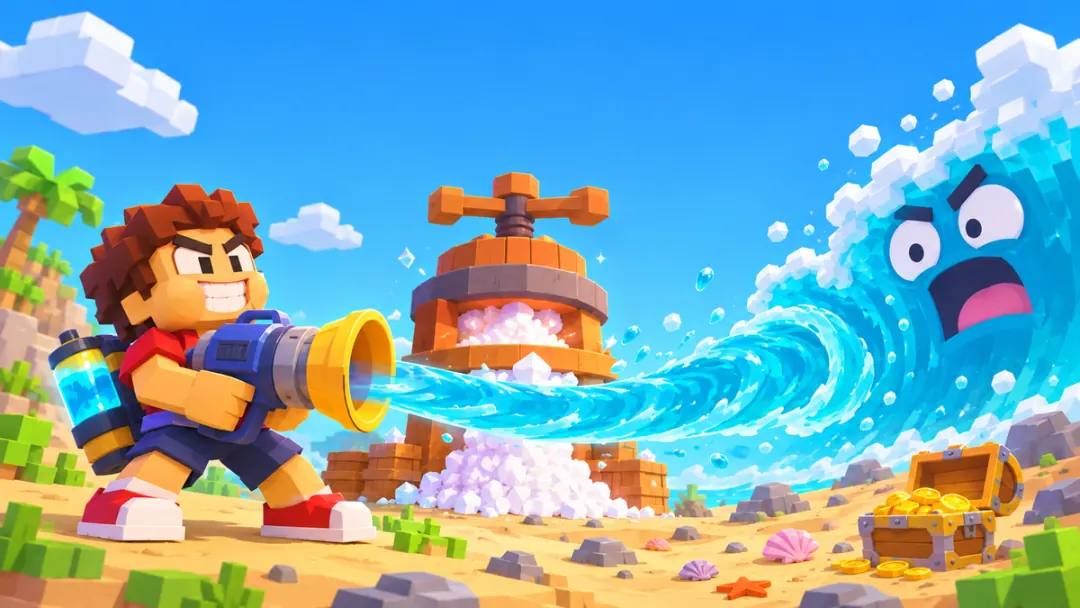
What is Drink the Ocean?
Drink the Ocean is a first-person incremental game by Pinidi Studio. You start on the shore with a straw and a small belly meter. Drinking lowers the waterline, but it also fills the meter. When you run out of room, take the water back to the press and turn it into salt. Salt buys upgrades that make the next trip more productive.
The Ocean Drunk percentage at the top tracks progress on the whole ocean. The belly meter tracks what you're carrying right now. Watch the belly meter on each trip and the ocean meter over several trips. As the water falls, the depth chart and the scenery give you a sense of what is opening up below the surface.
How to play Drink the Ocean
- Start by following the tutorial on the beach. Choose Play Drink the Ocean above, then Let's Play! inside the Playgama player. Click inside the game to give it focus. Use WASD and the mouse to follow the first marker.
- Get close to the shore and aim into the water. Left-click to drink. If the belly meter stays put, move closer and aim lower. Keep going until the meter fills.
- Carry the water to the press. Follow the marker back to the beach and stand under the press. It empties your belly and gives you salt. Check the salt counter before stepping away.
- Spend salt at the shop. Compare stronger drinking tools and larger capacity. A stronger tool helps if filling up takes too long. Extra capacity helps if you're walking to the press too often.
- Repeat as the shoreline moves. You'll have to walk farther from the press as the ocean retreats. Follow the new shoreline when your old spot stops producing water.
Make your early trips count
Use one complete trip to learn the route. Find the closest spot where your straw works, fill the meter, and then go straight to the press. Once the route is familiar, you'll know whether a slow trip is mostly spent drinking or walking.
Change one thing when progress stalls. If you cannot drink, first check whether the game has mouse focus. Then check your range, your aim, and whether your belly is full. If the meter is already full, changing tools won't help until you've emptied it at the press.
Read the shop before spending your salt. Check the effect of each upgrade and what it costs. You can compare the time needed for your next trip before spending the rest. If you prefer a larger view, use the fullscreen button below the frame. Press Tab inside the game to release the mouse when you want to return to the page.
The browser player is distributed by Playgama. Its title screen and settings are part of the original game.